
Synchronizations
Where: Playlists → Synchronizations (/synchronizations)
A synchronization keeps a playlist up to date with a folder or file in Google Drive. Add, replace or remove files in Drive, and Studio updates the playlist for you. Your team can update screens without signing in to Studio.
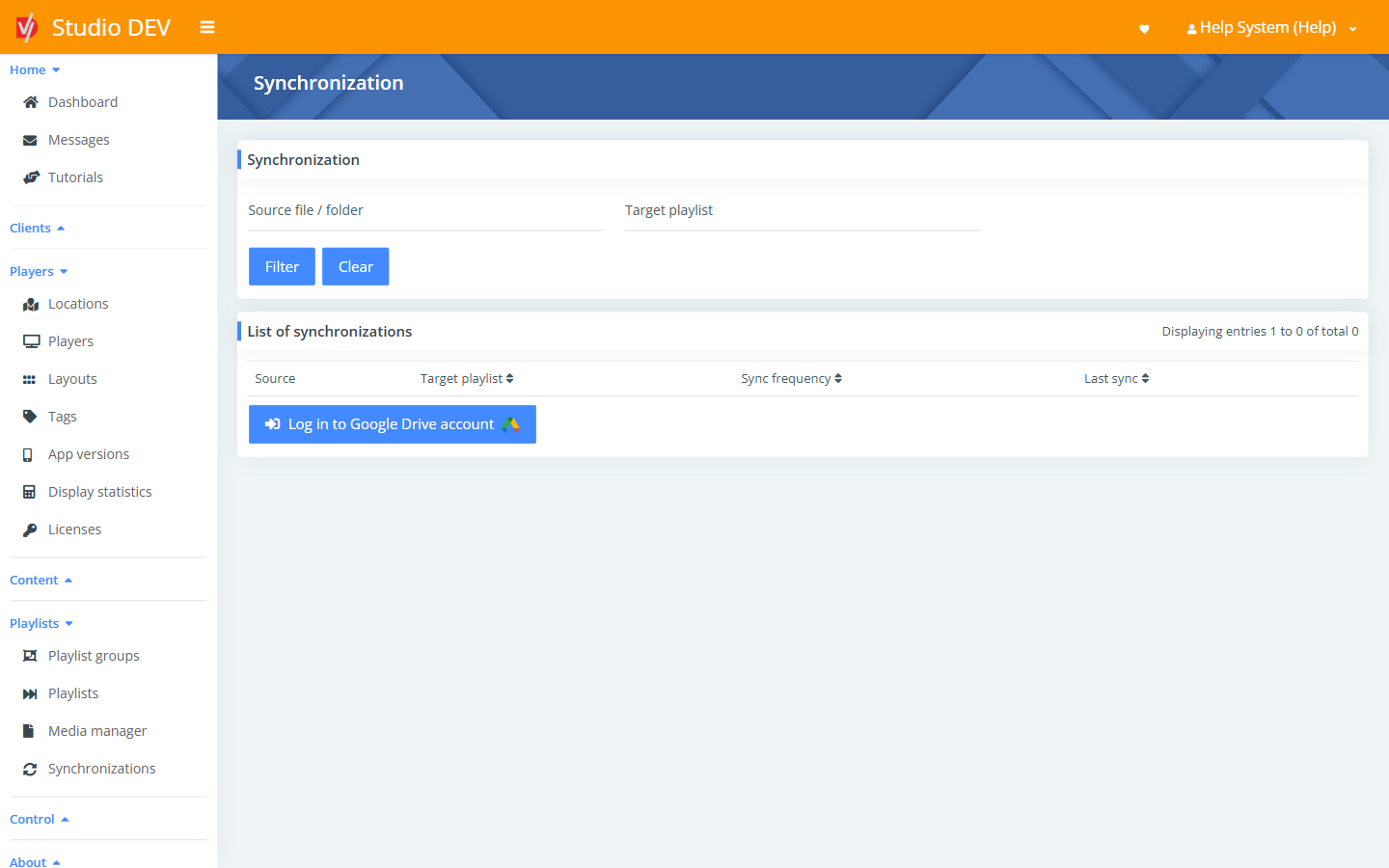
Connect Google Drive
Section titled “Connect Google Drive”- Click Log in to Google Drive account.
- Sign in to Google and allow DigitalVI to read your files.
- Choose the file or folder to sync and the target playlist.
List of synchronizations
Section titled “List of synchronizations”Filter by Source file / folder or Target playlist.
| Column | Meaning |
|---|---|
| Source | The Google Drive file or folder. |
| Target playlist | The playlist that is updated. |
| Sync frequency | How often Studio checks for changes. |
| Last sync | When it last checked. |
Permissions needed
Section titled “Permissions needed”Manage synchronizations.