
Content creation
Where: Content → Content creation (/contentCreation)
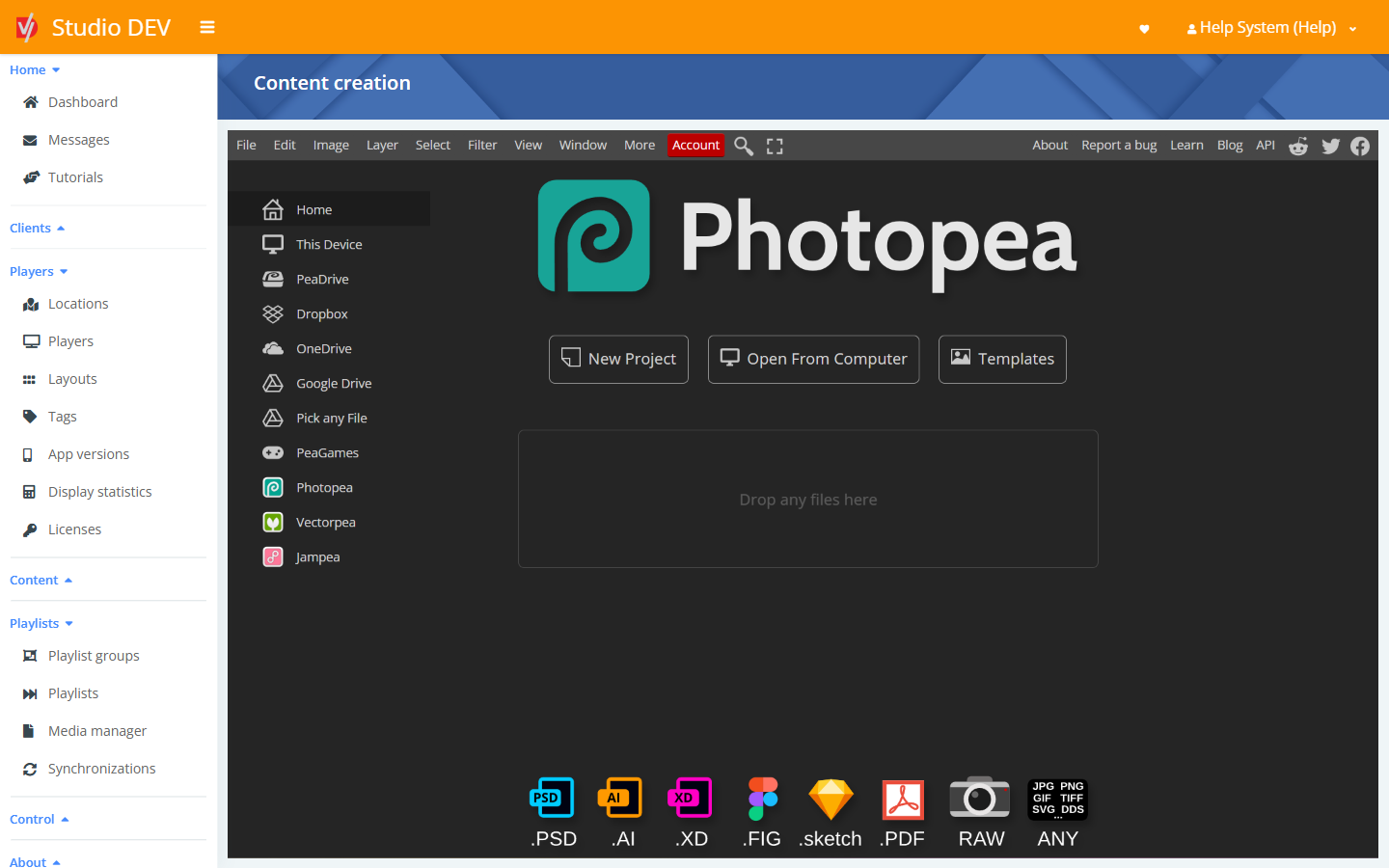
Content creation opens Photopea, a full image editor similar to Photoshop, inside Studio. You can design a slide, menu board or promotion and send it straight to a playlist, without switching to another program.
Create a design
Section titled “Create a design”- Click New Project and set the canvas size to match your layout zone. For a full-screen landscape display that’s 1920 × 1080; for portrait it’s 1080 × 1920.
- Or click Templates to start from a ready-made design, or Open From Computer to edit an existing file. Photopea opens PSD, AI, XD, Figma, Sketch, PDF, RAW and common image files.
- Design your content.
Save to a playlist
Section titled “Save to a playlist”When you save, Studio shows the Save to playlist dialog:
| Field | Description |
|---|---|
| File name | The name the image will have in Studio. |
| Playlist | The playlist to add it to. |
Click Save. The image is uploaded to your media and added to the end of that playlist.
Permissions needed
Section titled “Permissions needed”Content creation.