
Playlist groups
Where: Playlists → Playlist groups (/playerGroups)
A playlist group is a set of players that show the same content. Instead of scheduling each screen one by one, you schedule the group. Groups form a tree: a child group inherits from its parent, so you can set company-wide content at the top and store-specific content lower down.
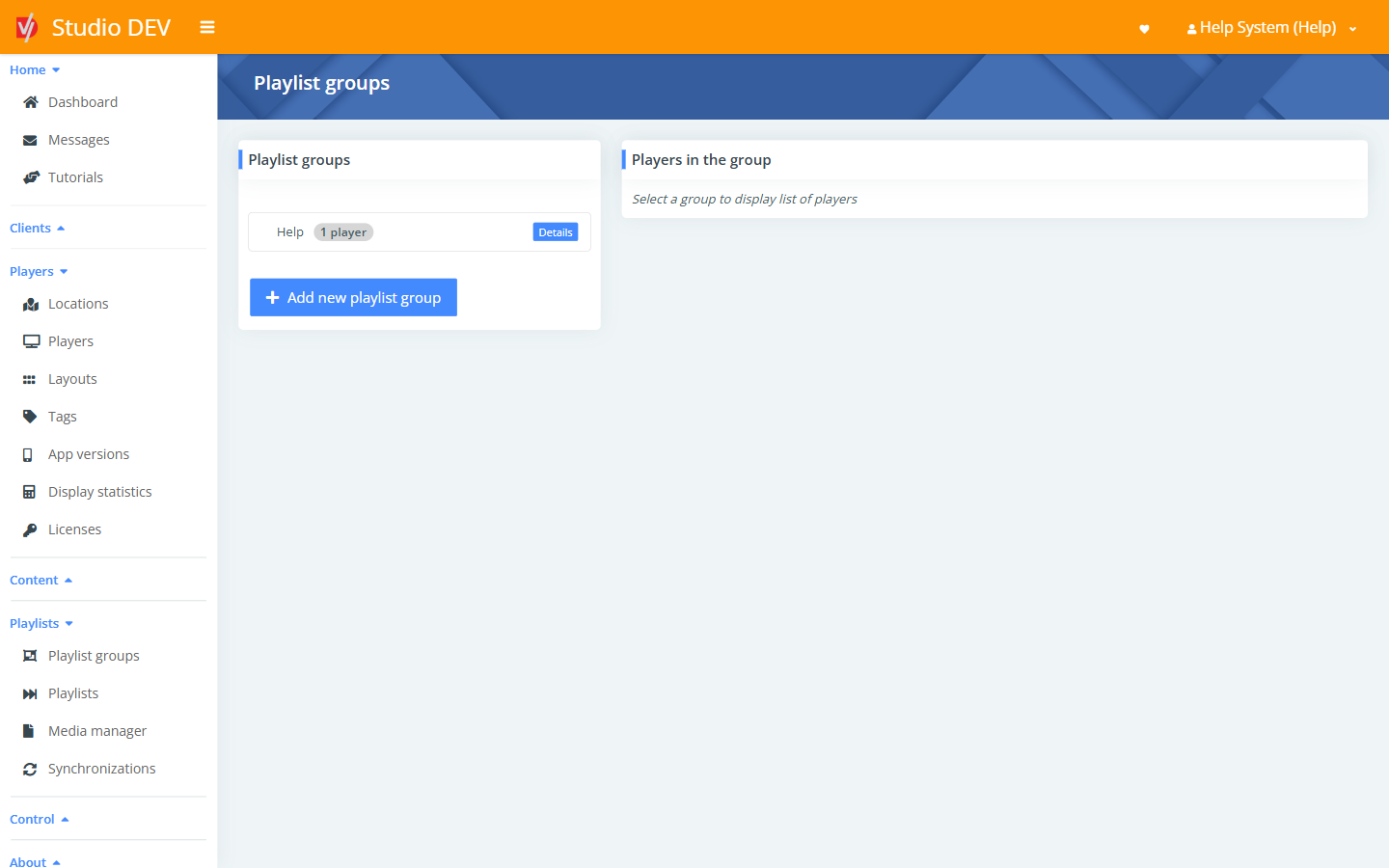
The playlist groups tree
Section titled “The playlist groups tree”Click a group in the tree to see its players under Players in the group. Click a group’s name or button to open its details page.
Add a new playlist group
Section titled “Add a new playlist group”Click Add new playlist group, or on a group use Actions → Add new child playlist group.
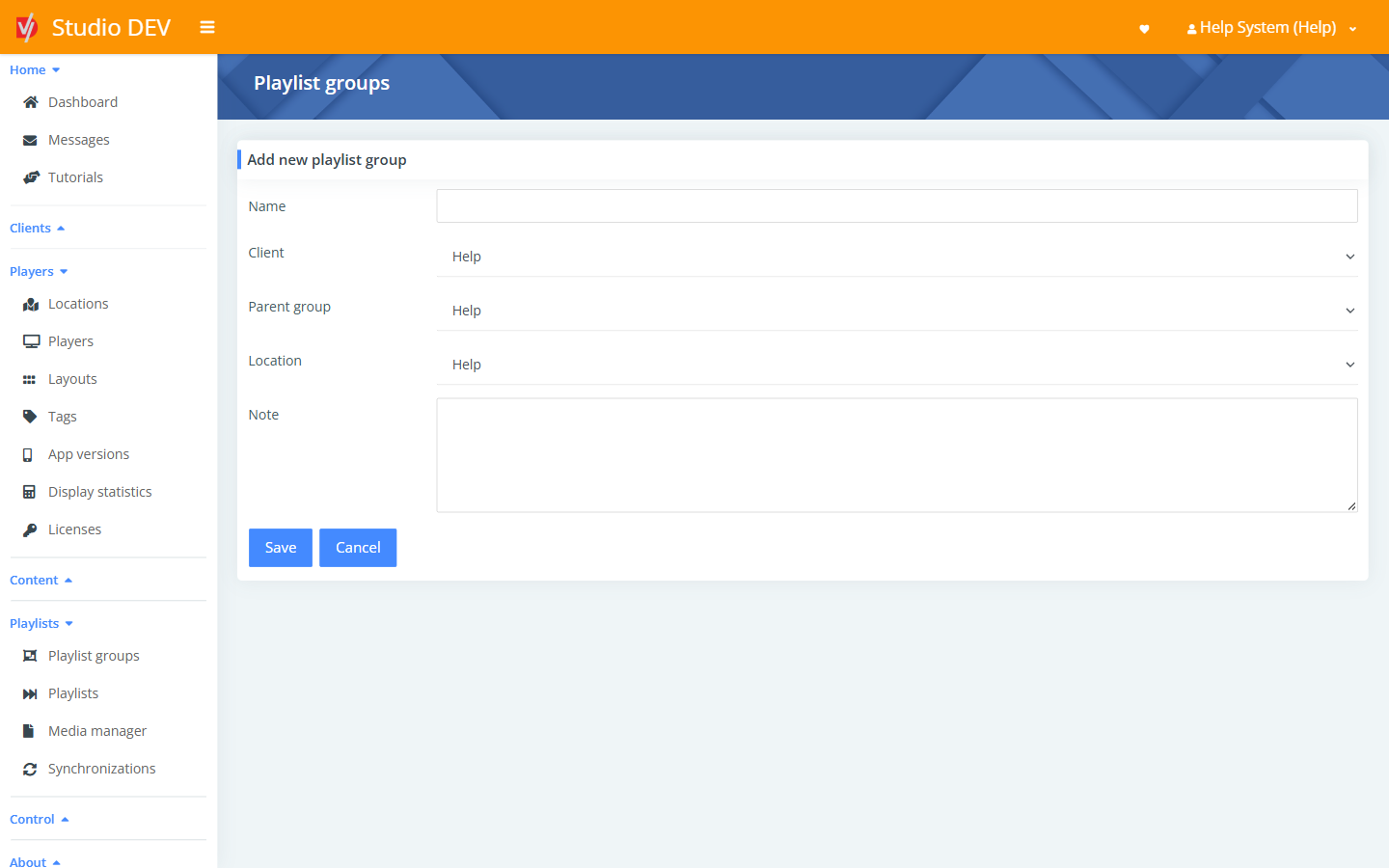
| Field | Required | Description |
|---|---|---|
| Name | Yes | For example Store windows. |
| Client | The organization. | |
| Parent group | Yes | Where it sits in the tree. |
| Location | Yes | Who can use the group. It’s available at this location and below. |
| Note | Free-text notes. |
Playlist group details
Section titled “Playlist group details”Where: /playerGroups/{id}
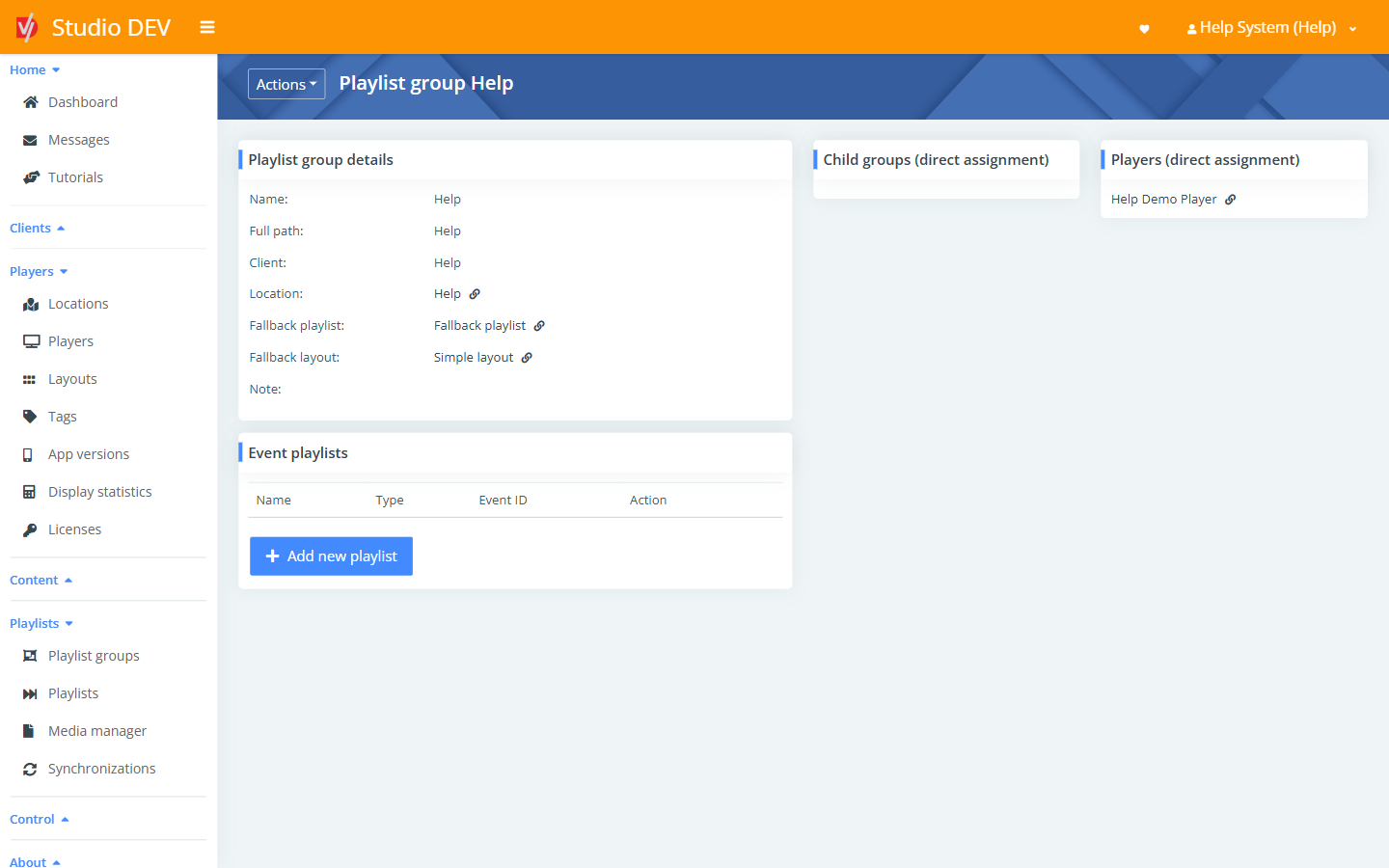
Shows Name, Full path, Client, Location, Fallback playlist, Fallback layout and Note, plus:
- Event playlists: on-demand playlists for this group (see below).
- Child groups (direct assignment): groups directly under this one.
- Players (direct assignment): players in this group.
Actions menu
Section titled “Actions menu”| Action | What it does |
|---|---|
| Fallback playlist | Choose the playlist shown when nothing else is scheduled. |
| Fallback layout | Choose the layout used when no layout is scheduled. |
| Bulk assign players | Move many players into this group at once. |
| Add new child playlist group | Create a group inside this one. |
| Delete playlist group | Delete it after confirmation. |
Fallback playlist
Section titled “Fallback playlist”Where: Actions → Fallback playlist (/playerGroups/{id}/fallbackPlaylist)
The fallback playlist plays in the main zone whenever no schedule applies, for example overnight or between scheduled campaigns. Every group should have one, so screens are never blank. Choose the Playlist and click Save.
Fallback layout
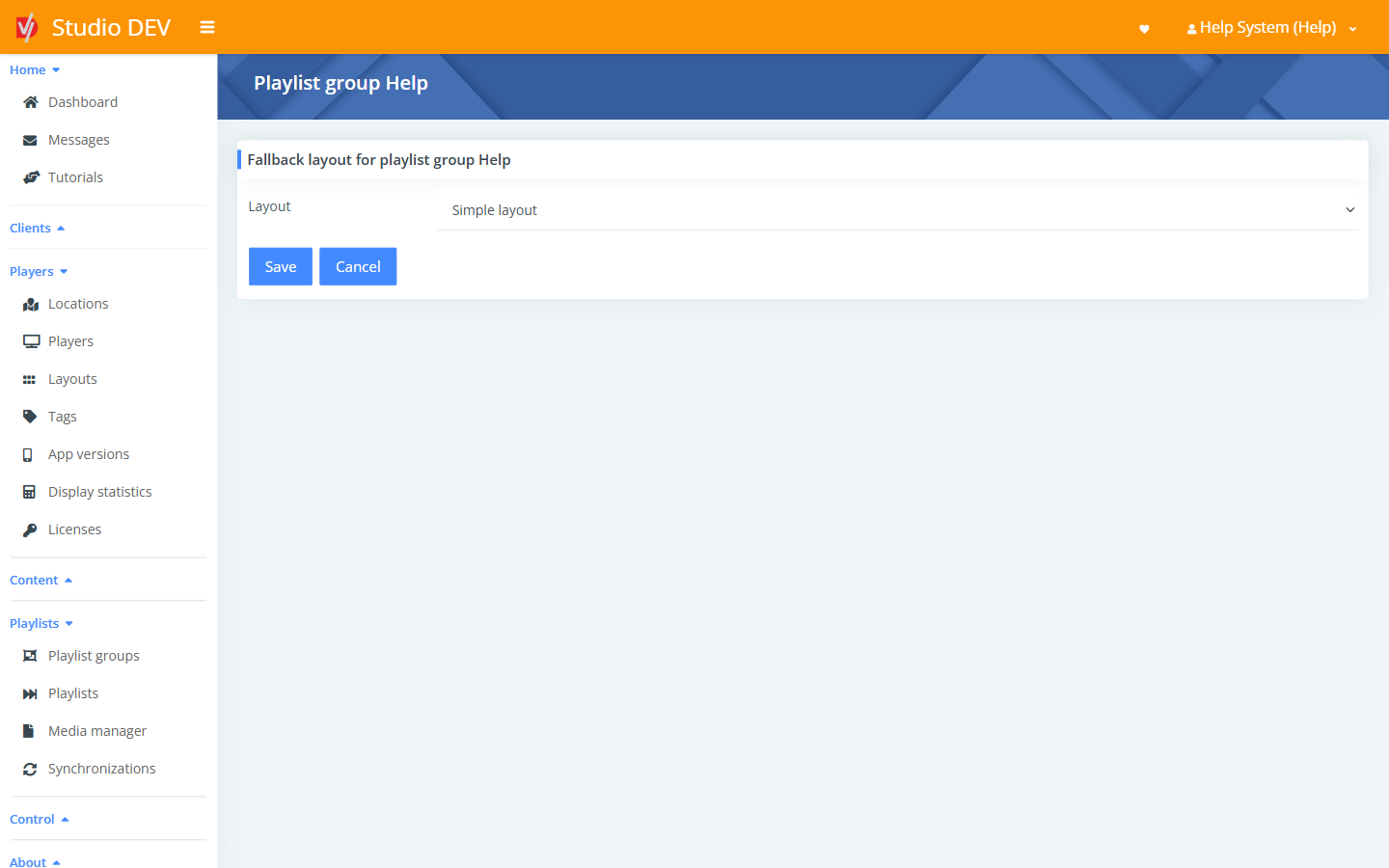
Section titled “Fallback layout”Where: Actions → Fallback layout (/playerGroups/{id}/fallbackLayout)
The layout players use when no layout schedule applies. Choose the Layout and click Save.
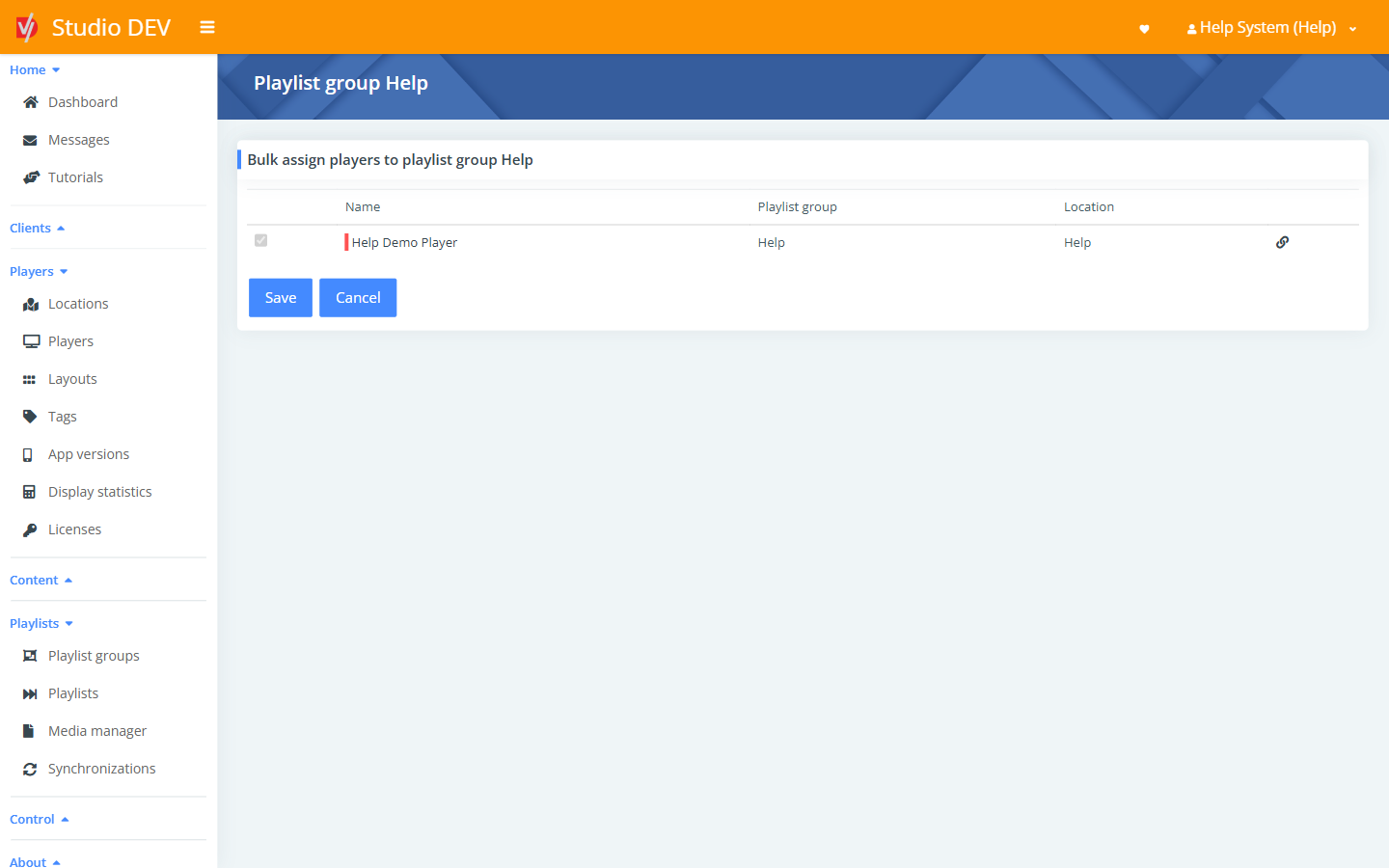
Bulk assign players
Section titled “Bulk assign players”Where: Actions → Bulk assign players (/playerGroups/{id}/bulkAssign)
Lists players with their current Name, Playlist group and Location. Tick the players to move into this group and click Save.
Event playlists
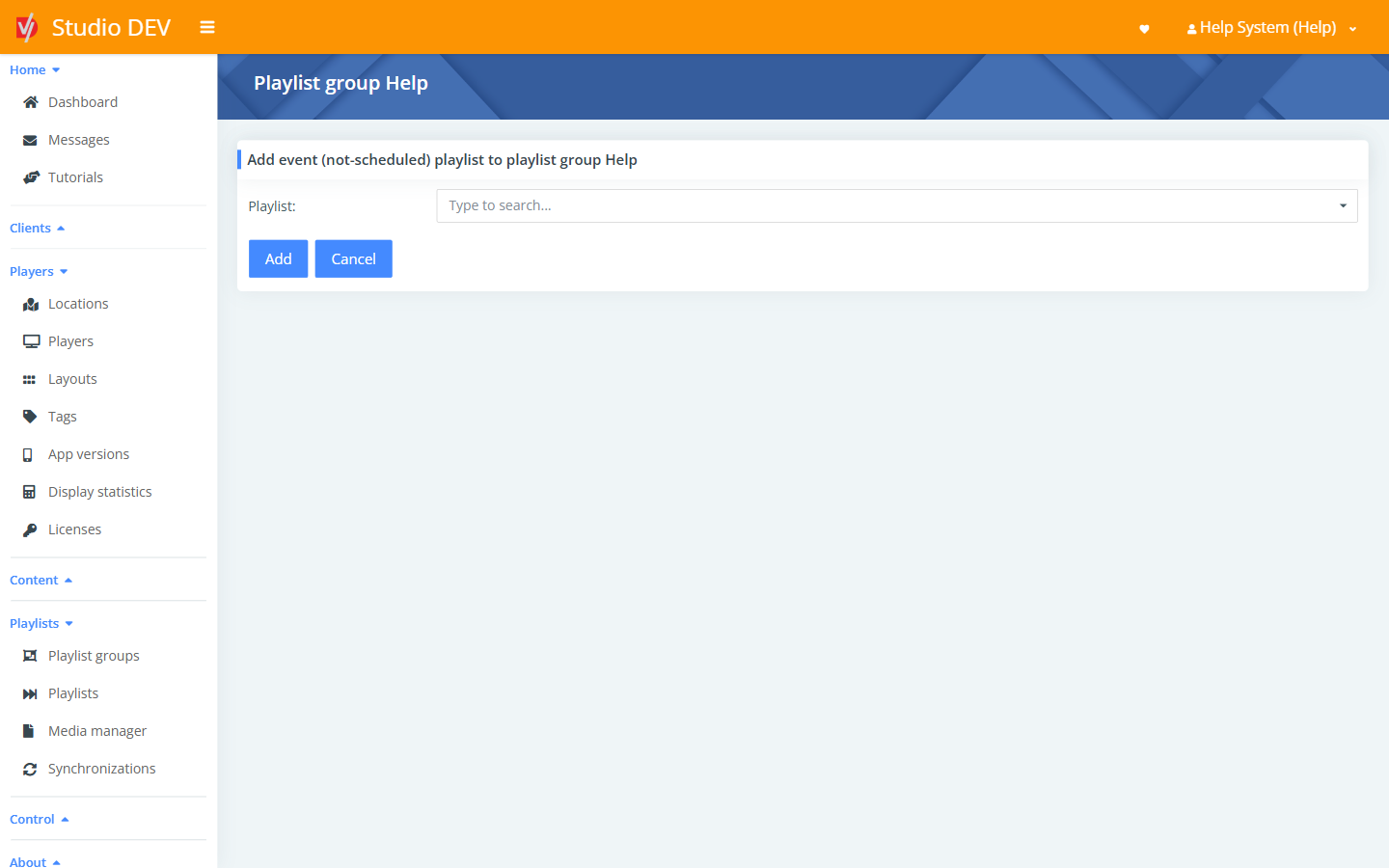
Section titled “Event playlists”Event playlists aren’t on a schedule. They play on demand: from a button on the location dashboard, from the player page, or from an external trigger using the playlist’s Event ID.
To add one, click Add new playlist under Event playlists, choose the Playlist and click Add.
How the event playlist ends depends on its Action (set on the playlist): for example, Play all files once returns to the normal schedule when it finishes.
Permissions needed
Section titled “Permissions needed”Manage playlist groups.