
User roles
Where: Clients → User roles (/roles)
A role is a named set of permissions that you can reuse when you grant a user access. Changing a role changes what every user with that role can do.
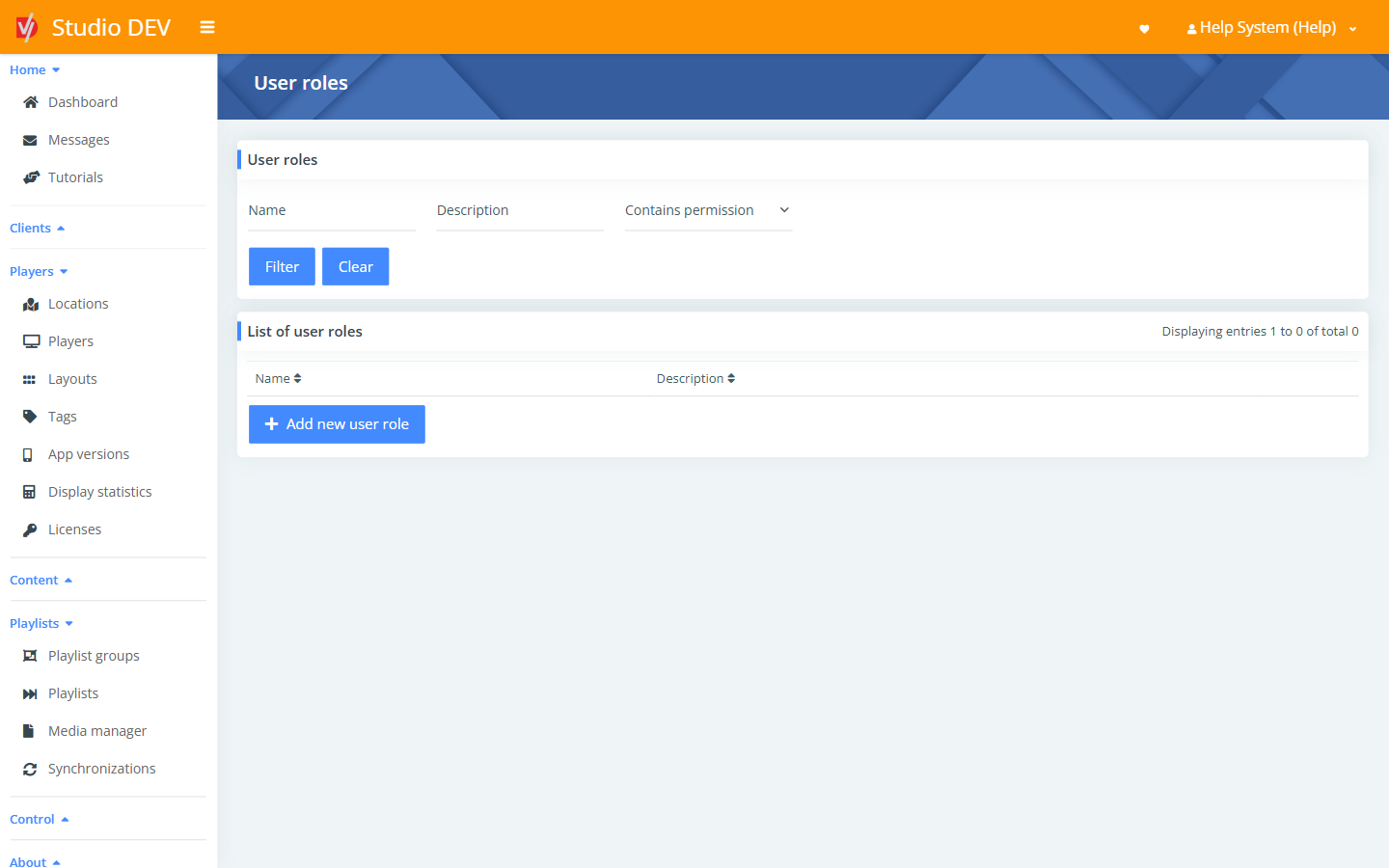
Find a role
Section titled “Find a role”| Filter | Use it to |
|---|---|
| Name | Match the role name. |
| Description | Match the description. |
| Contains permission | Show only roles that include a particular permission, for example Players - Reboot players. |
Add a new user role
Section titled “Add a new user role”Click Add new user role, fill in the form and click Save.
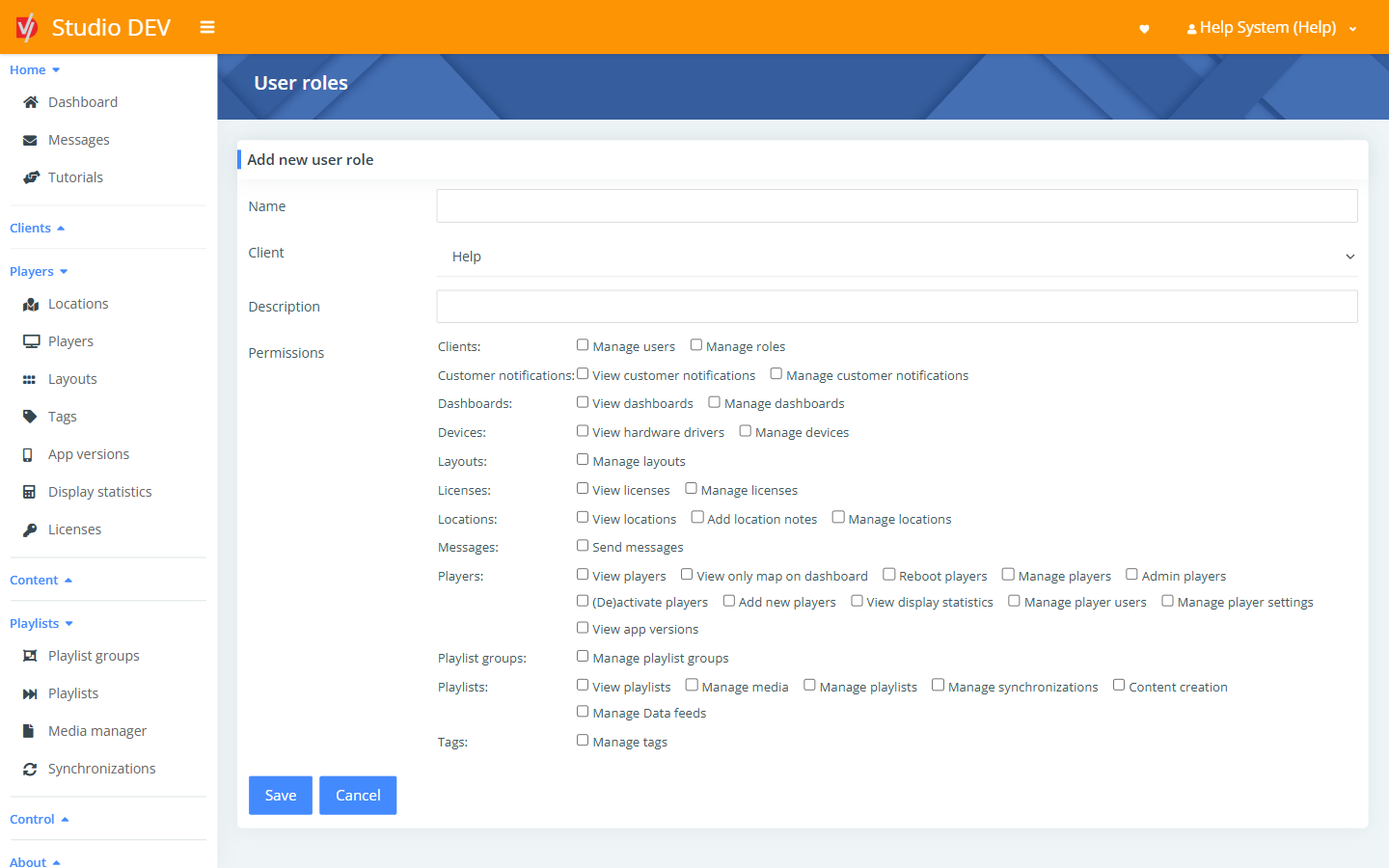
| Field | Required | Description |
|---|---|---|
| Name | Yes | For example Store manager. |
| Client | The client this role belongs to. | |
| Description | A note on who the role is for. | |
| Permissions | Tick each permission the role includes. They’re grouped by area: Clients, Customer notifications, Dashboards, Devices, Layouts, Licenses, Locations, Messages, Players, Playlist groups, Playlists and Tags. |
See the Permissions reference for what each checkbox allows.
Permissions needed
Section titled “Permissions needed”Manage roles.