
Data feeds
Where: Content → Data feeds (/extraContent)
A data feed is live content that isn’t a file you upload. Players fetch it and display it on their own. Examples are the weather, a news ticker or a clock.
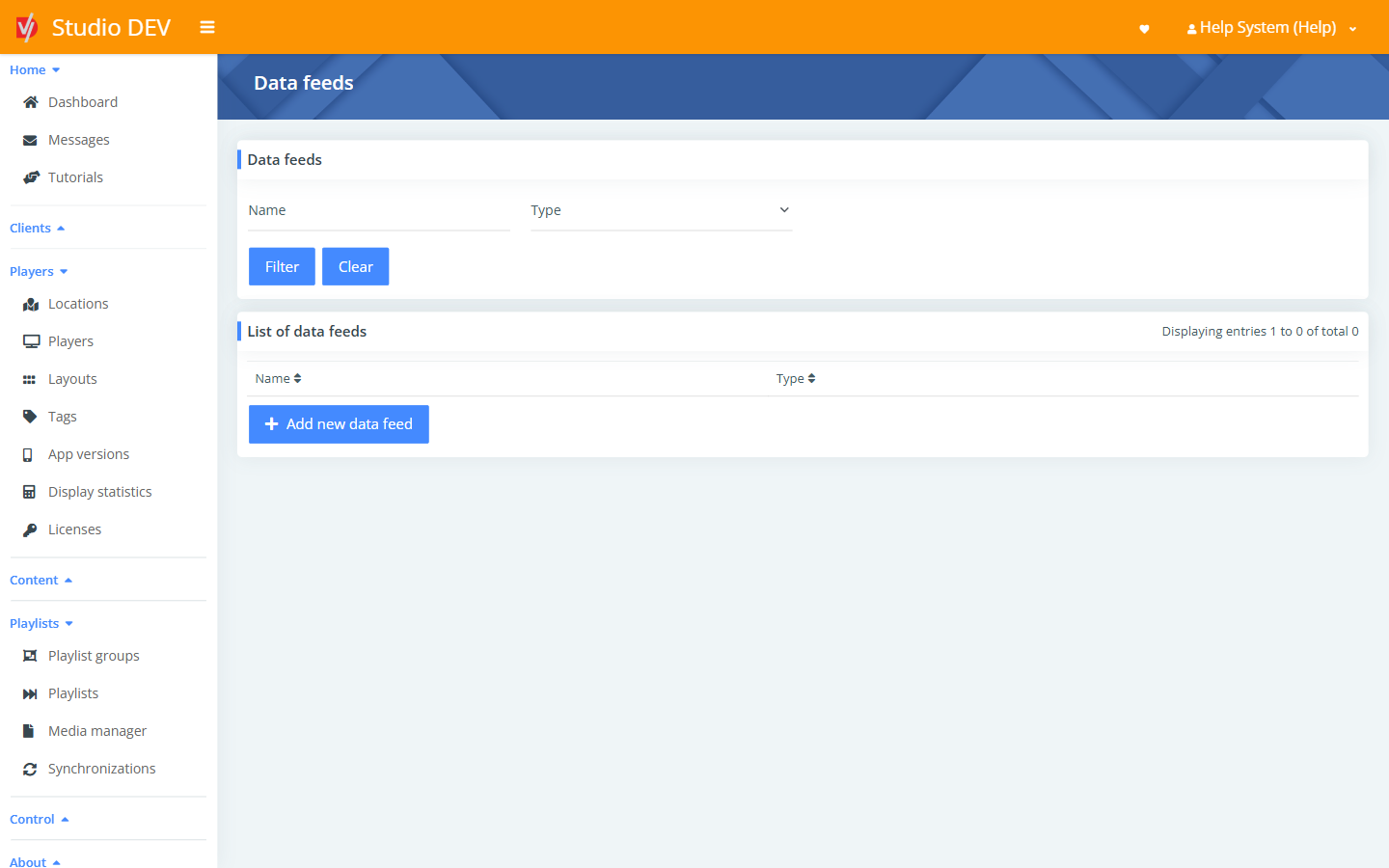
Find a data feed
Section titled “Find a data feed”Filter by Name or Type. The list shows Name and Type.
Add a data feed
Section titled “Add a data feed”- Click Add new data feed.
- Choose the Type and click Next.
- Fill in the settings for that type (below) and click Save.
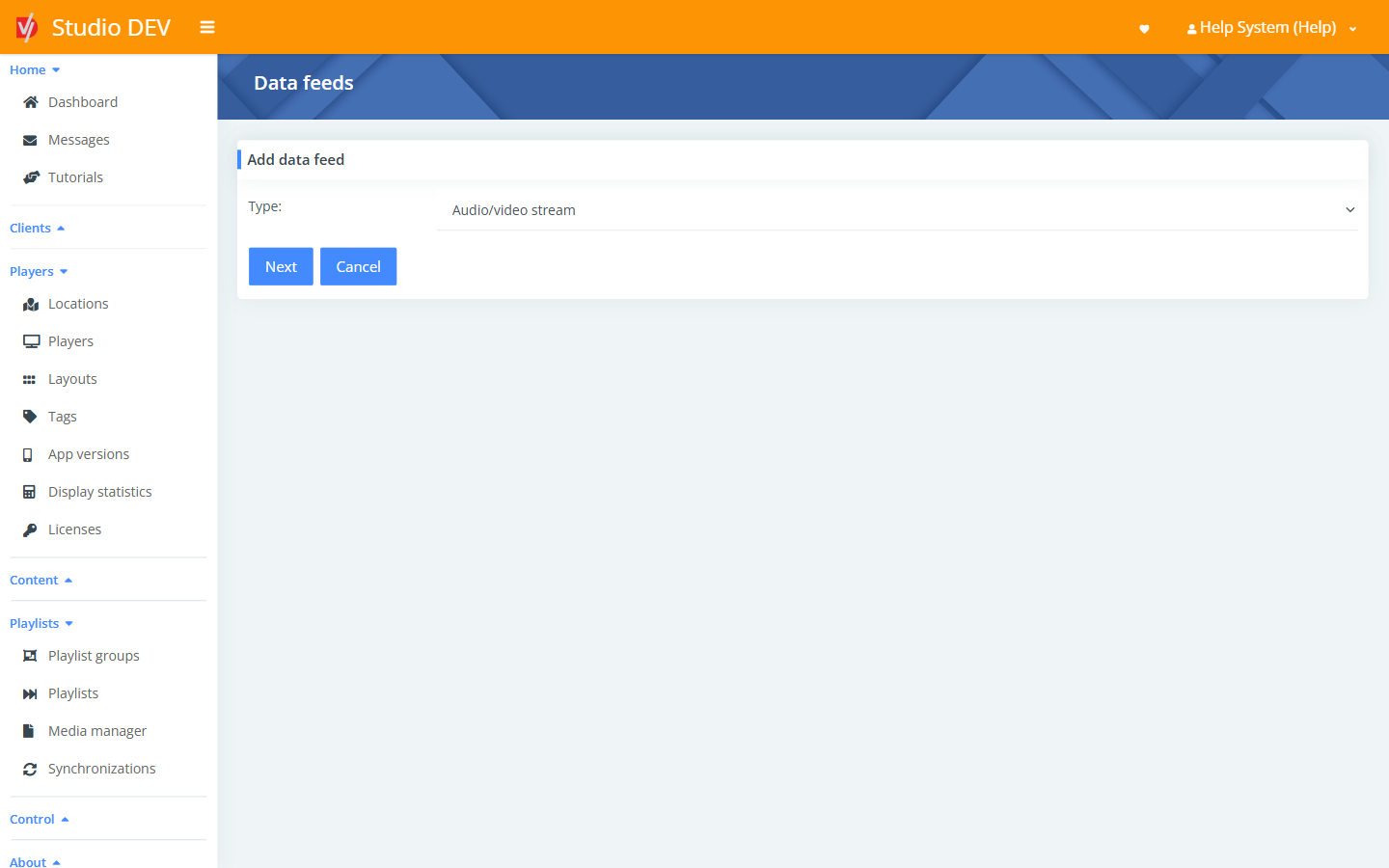
Every type has a Name (required) and a Client.
Audio/video stream
Section titled “Audio/video stream”Plays a live audio or video stream, such as internet radio or an IPTV channel.
| Field | Required | Description |
|---|---|---|
| URL address of the stream | Yes | The stream URL, for example https://…/live.m3u8. |
Camera input
Section titled “Camera input”Shows a live feed from a camera or capture input connected to the player.
| Field | Required | Description |
|---|---|---|
| ID of the input | Yes | Which camera or input to show. |
| Image rotation in degrees | Rotates the image, for example 90. |
|
| Mirror image | Flips the image horizontally. |
Date/time
Section titled “Date/time”Shows a clock and/or date.
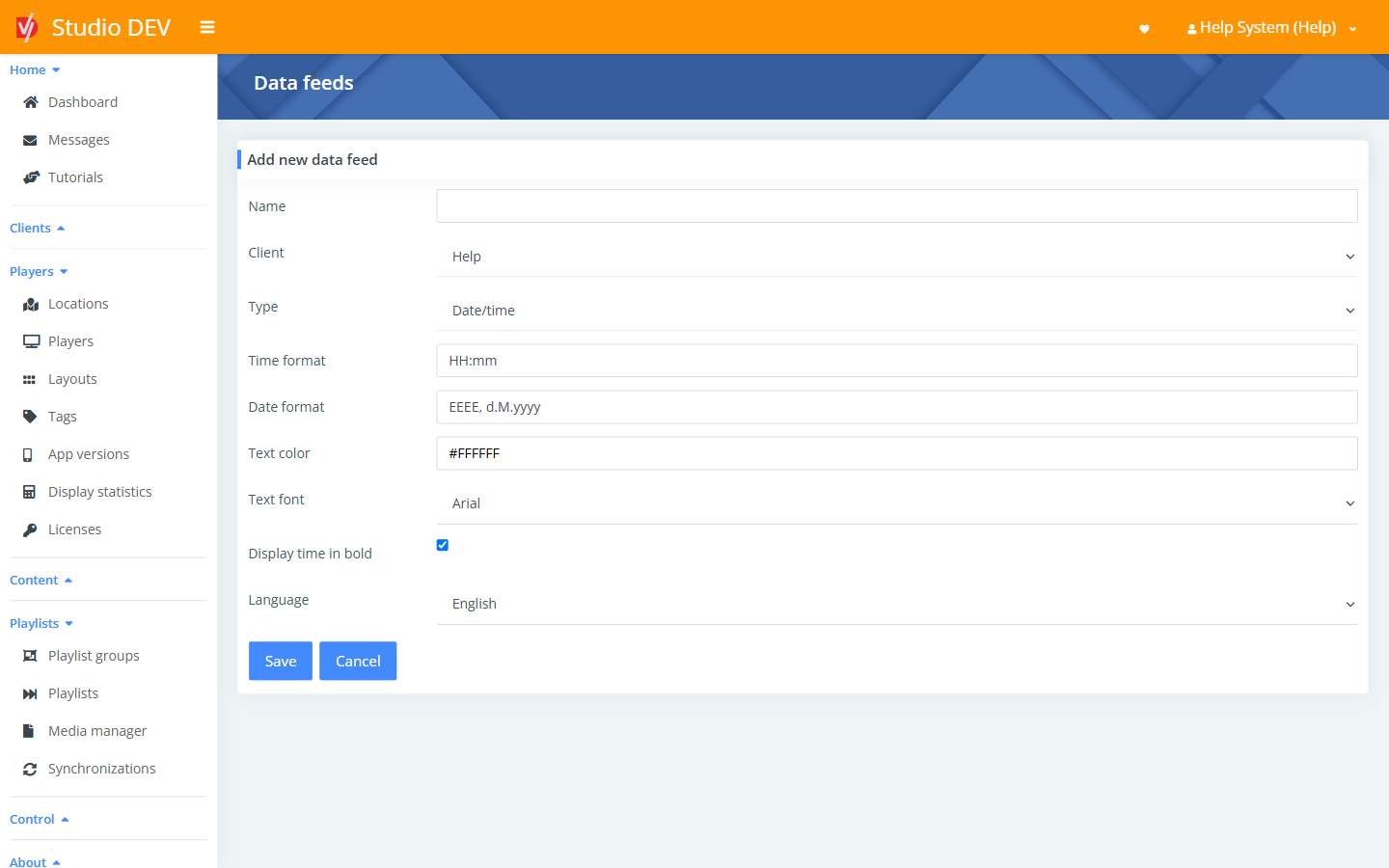
| Field | Description |
|---|---|
| Time format | For example HH:mm → 20:33, or h:mm a → 8:33 PM. |
| Date format | For example EEEE, dd.M.yyyy → Wednesday, 20.3.2022, EEEE, MM/dd/yyyy → Wednesday, 03/20/2022, or MMM dd, yyyy → Mar 20, 2022. |
| Text color | For example #FFFFFF. |
| Text font | Arial, Casual, Cursive, Courier New, Sans-serif (and its black, condensed, condensed-light, light, medium, monospace, smallcaps and thin variants), Times New Roman or Inter. |
| Display time in bold | Makes the time bold. |
| Language | English, Čeština, Deutsch, Español or Slovenčina. Sets day and month names. |
Format letters: HH hour (00–23), h hour (1–12), mm minutes, a AM/PM, dd day, M/MM month
number, MMM short month name, EEEE weekday name, yyyy year.
NetSuite
Section titled “NetSuite”Shows a NetSuite dashboard.
| Field | Required | Description |
|---|---|---|
| URL of the NetSuite dashboard | Yes | The dashboard’s address. |
| NetSuite security token | Yes | The token used to sign in to NetSuite. |
| Refresh interval (minutes) | Yes | How often the dashboard is reloaded. |
RSS feed
Section titled “RSS feed”Shows headlines and text from an RSS news feed.
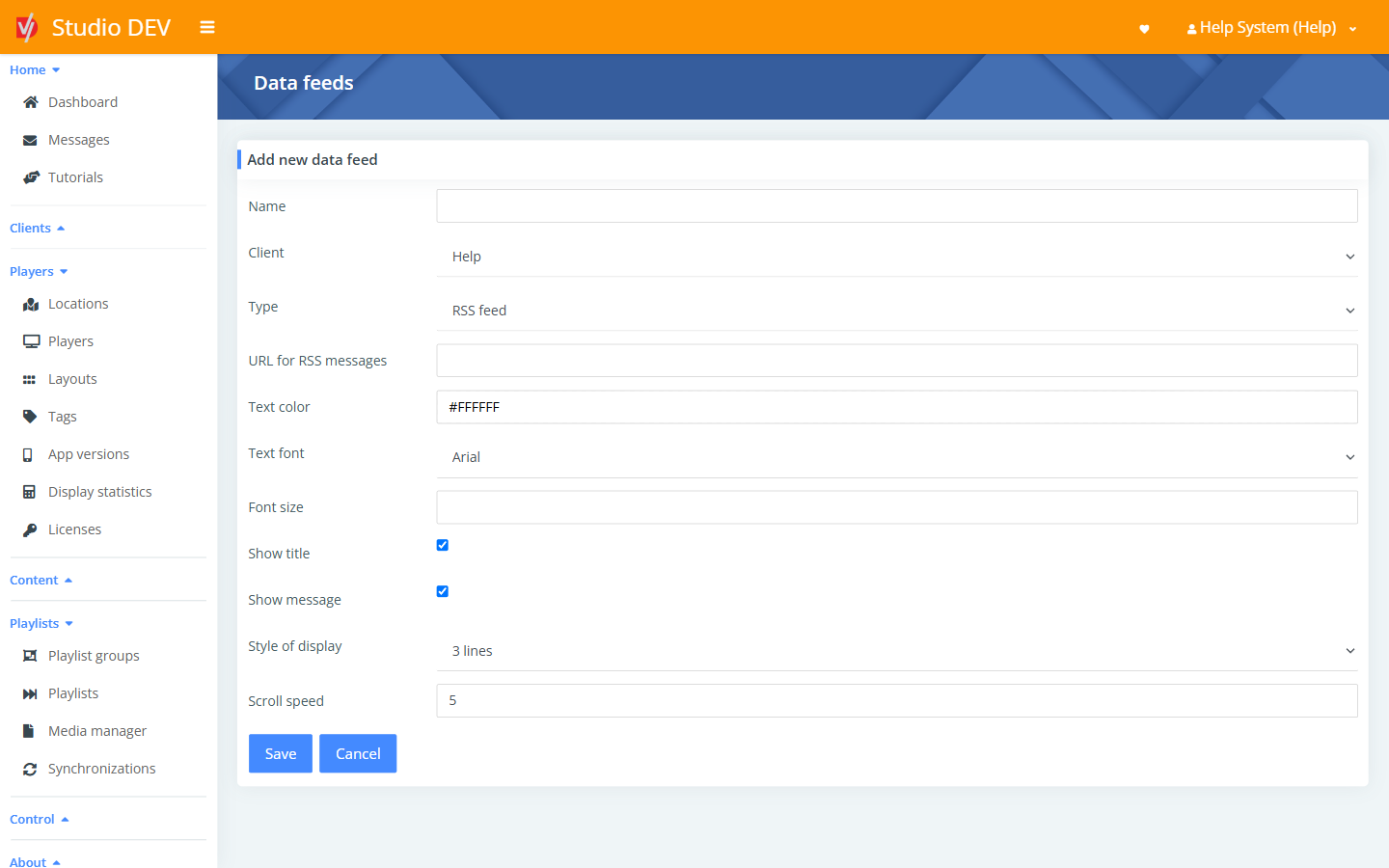
| Field | Required | Description |
|---|---|---|
| URL for RSS messages | Yes | The RSS feed address. |
| Text color | For example #FFFFFF. |
|
| Text font | See the font list under Date/time. | |
| Font size | In pixels. Leave empty to size the text automatically to fit the zone. | |
| Show title | Show the headline of each item. | |
| Show message | Show the description of each item. | |
| Style of display | 3 lines, Single line, Single line of moving text, Single line of moving text (to right) or Multiple lines scrolling vertically. | |
| Scroll speed | How fast moving text scrolls. |
Weather
Section titled “Weather”Shows current conditions or a forecast.
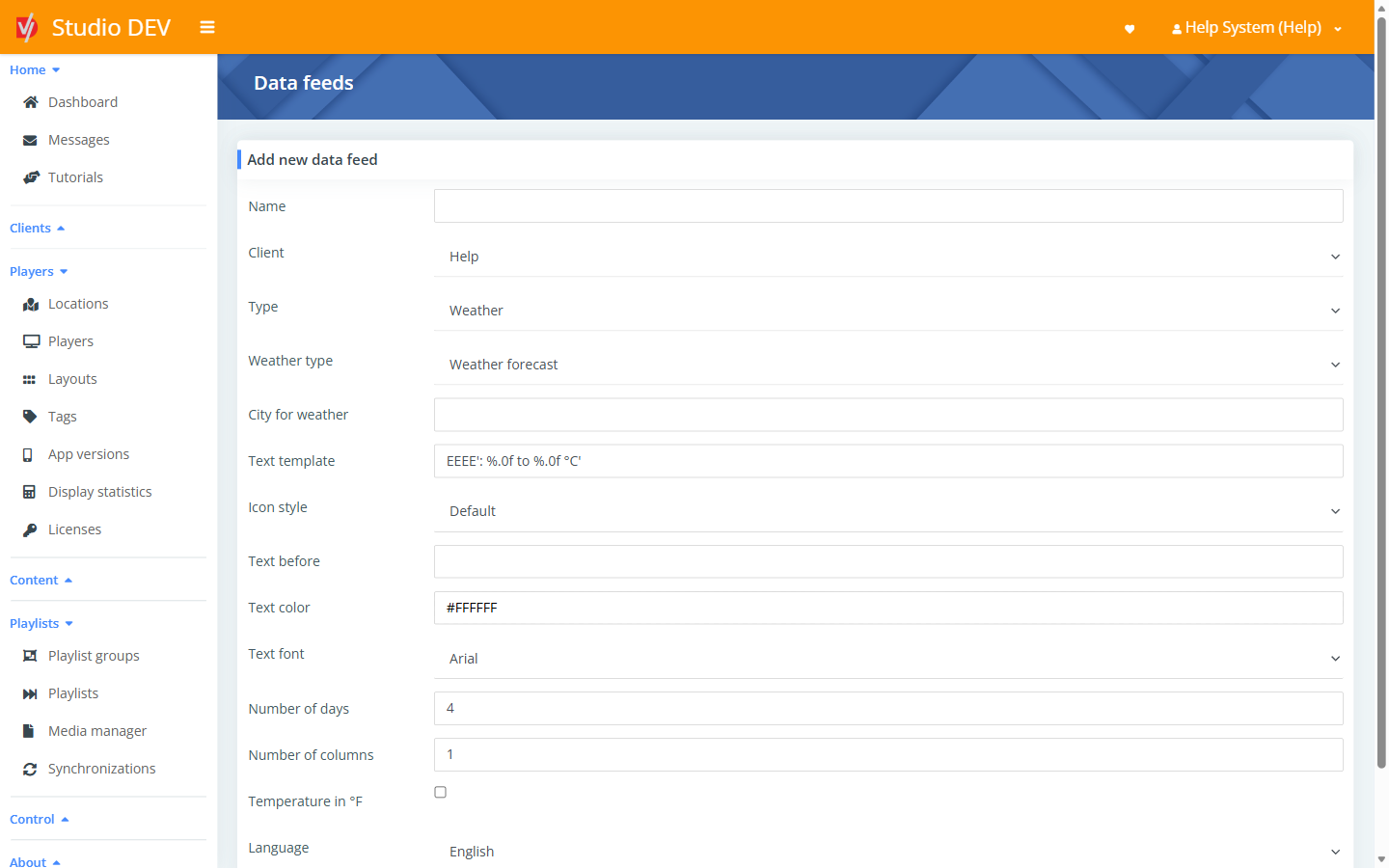
| Field | Required | Description |
|---|---|---|
| Weather type | Weather forecast or Current weather. | |
| City for weather | Yes | For example Philadelphia, US. |
| Text template | Yes | The text shown for each day. It can contain %.0f twice for the low and high temperatures. All characters except date formatting must be inside single quotes ('). |
| Icon style | Default, Colorful, Simple, Outlines or None. | |
| Text before | Optional text shown above or before the weather, for example 'Today'. |
|
| Text color / Text font | Appearance. | |
| Number of days | Yes | How many days of forecast to show. |
| Number of columns | Yes | How many columns to arrange the days in. |
| Temperature in °F | Show Fahrenheit instead of Celsius. | |
| Language | English, Čeština, Deutsch, Español or Slovenčina. |
YouTube video
Section titled “YouTube video”Plays a YouTube video.
| Field | Required | Description |
|---|---|---|
| URL address of the YouTube video | Yes | The video’s link. |
| Preferred quality | Automatic, or a fixed quality from 144p up to 4320p. |
To show player controls or captions, see Show YouTube controls and Show captions from YouTube in Player settings.
Use a data feed on screen
Section titled “Use a data feed on screen”Data feeds play from a playlist whose Type is Data feeds:
- Create a playlist and set Type to Data feeds.
- Add your data feed to it.
- Schedule the playlist into a zone of your layout.
Permissions needed
Section titled “Permissions needed”Manage Data feeds.