
Devices
Where: Control → Devices (/devices)
Devices are pieces of hardware that aren’t players themselves but that you want to monitor or control from Studio. Examples are a site controller, a relay box, or a display controlled over the network.
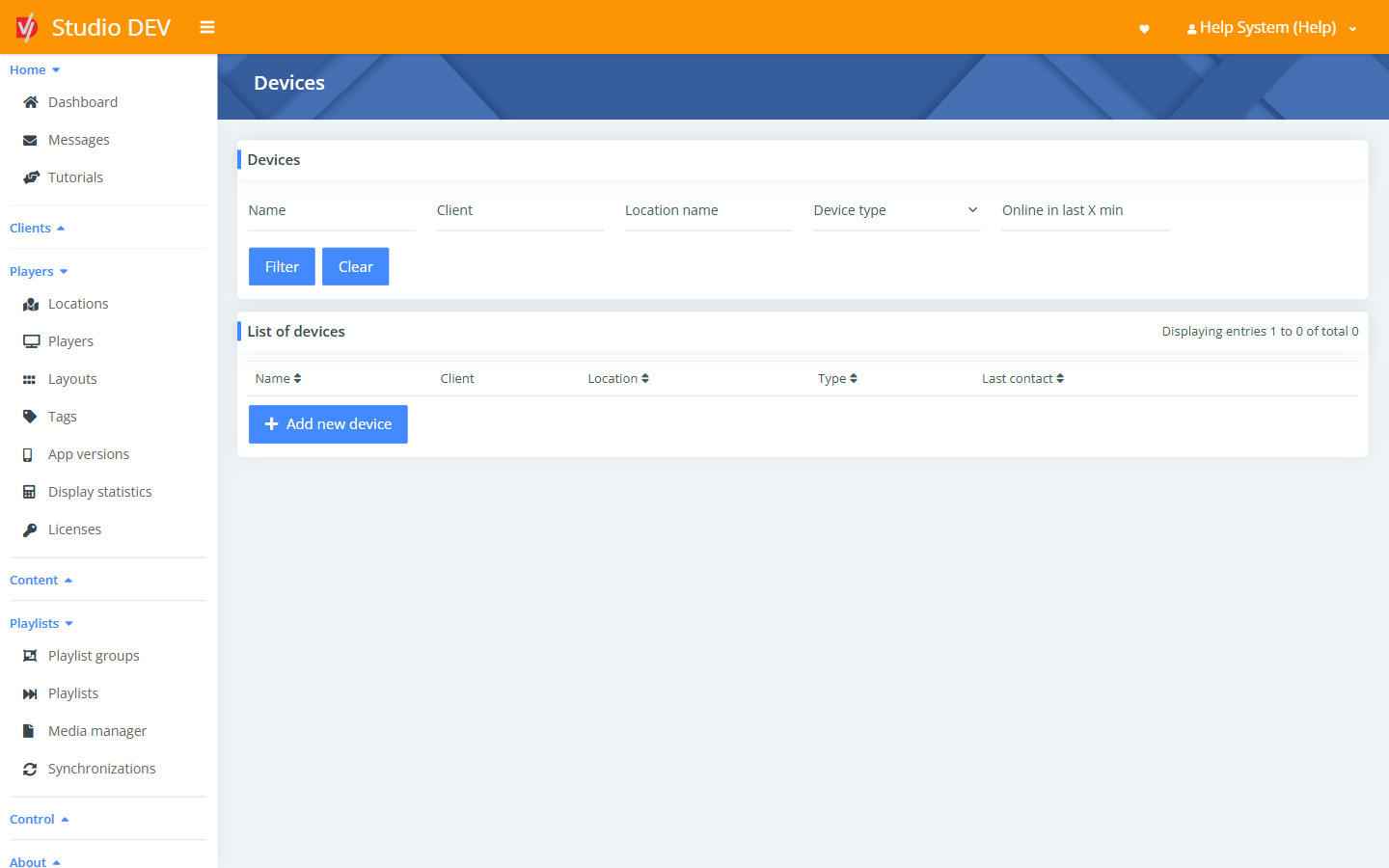
Find a device
Section titled “Find a device”| Filter | Use it to |
|---|---|
| Name | Match the device name. |
| Client | Match the organization. |
| Location name | Match the location. |
| Device type | Generic 3rd party device or Site controller. |
| Online in last X min | Devices that contacted Studio recently. |
The list shows Name, Client, Location, Type and Last contact.
Add a new device
Section titled “Add a new device”Click Add new device, fill in the form and click Save.
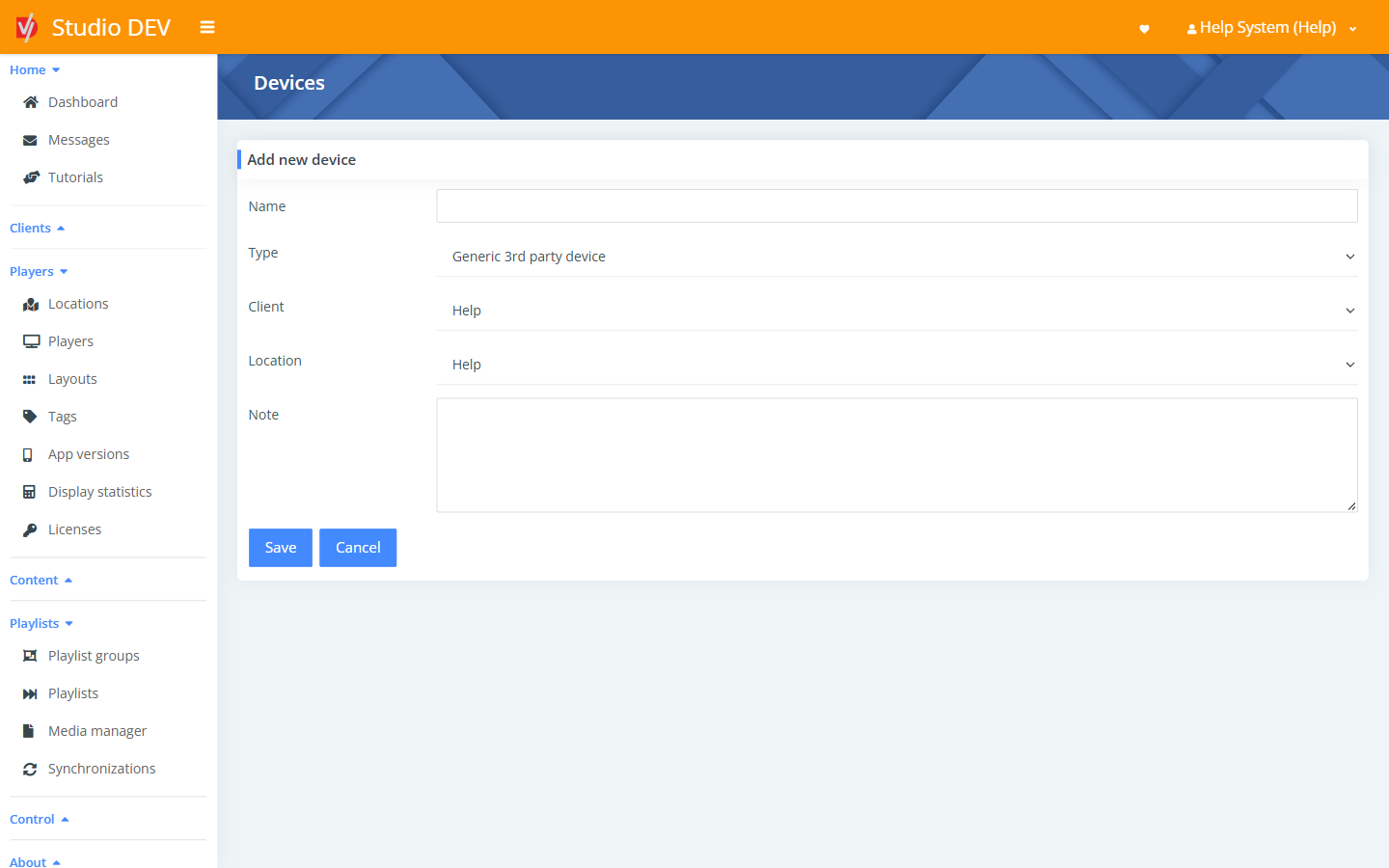
| Field | Required | Description |
|---|---|---|
| Name | Yes | For example Store 12 – site controller. |
| Type | Generic 3rd party device or Site controller. | |
| Client | The organization. | |
| Location | Where the device is installed. It then appears under Devices (direct assignment) on the location. | |
| Note | Free-text notes. |
Devices can be linked to a hardware driver so their status shows on the location dashboard.
Permissions needed
Section titled “Permissions needed”Manage devices.