
Licenses
Where: Players → Licenses (/licenses)
Shows the licenses your organization holds and how many players each one covers.
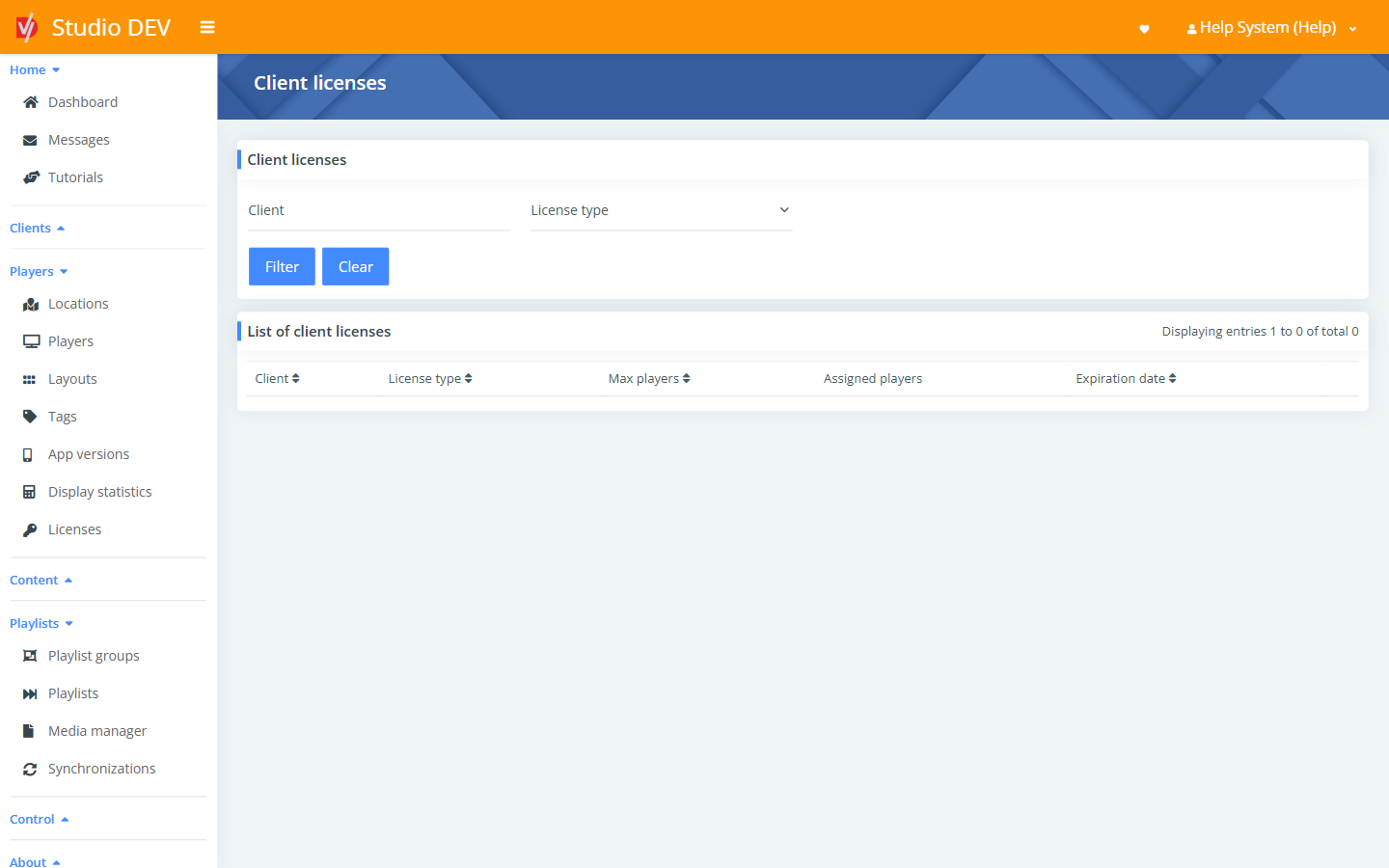
Filter licenses
Section titled “Filter licenses”Filter by Client or License type.
| License type | What it covers |
|---|---|
| Base license | The standard license for running a player. |
| Kiosk mode | Adds kiosk mode, which locks the device to the DigitalVI app (see Enable kiosk mode after start in Player settings). |
Columns
Section titled “Columns”| Column | Meaning |
|---|---|
| Client | The organization holding the license. |
| License type | Base license or Kiosk mode. |
| Max players | How many players the license allows. |
| Assigned players | How many are using it now. |
| Expiration date | When the license ends. Contact support to renew. |
Permissions needed
Section titled “Permissions needed”- View licenses to see this page.
- Manage licenses to change licenses (DigitalVI staff).