
Messages
Where: Home → Messages (/notifications)
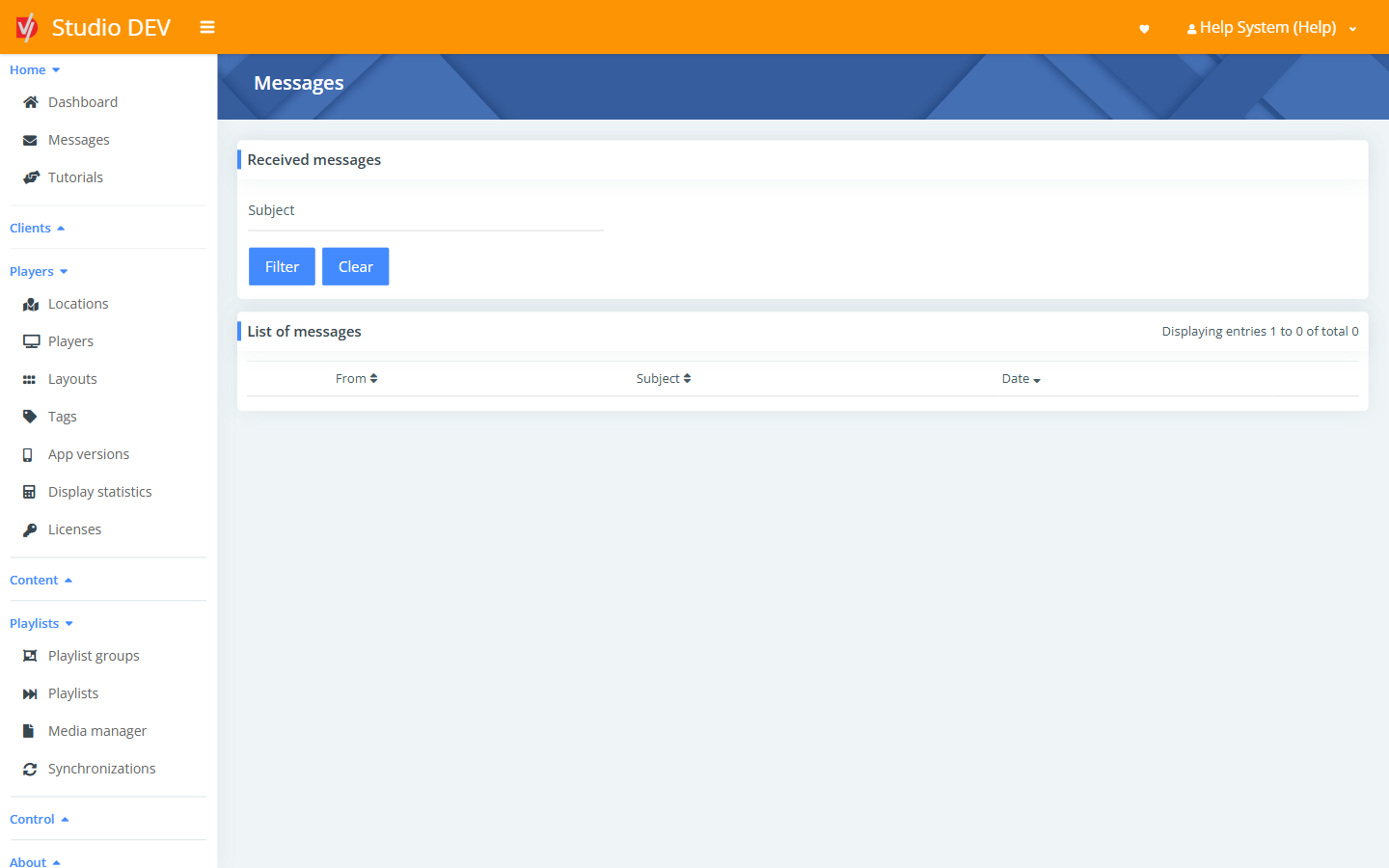
Messages is your Studio inbox. It holds notifications sent to your client, such as maintenance notices, release announcements or messages from your administrator.
Find a message
Section titled “Find a message”Use the Received messages panel:
| Field | Use it to |
|---|---|
| Subject | Show only messages whose subject contains this text. |
Click Filter to apply it and Clear to reset.
List of messages
Section titled “List of messages”| Column | Meaning |
|---|---|
| From | Who sent the message. |
| Subject | The message title. Click a row to read it. |
| Date | When it was sent. Click the column header to sort. |
Permissions
Section titled “Permissions”- View customer notifications lets a user read messages.
- Manage customer notifications and Send messages let a user create and send them.