
Tutorials
Where: Home → Tutorials (/tutorialScenarios)
Tutorials are guided tours that run inside Studio itself. They highlight each button to click as you go. Click Start next to a tutorial to begin.
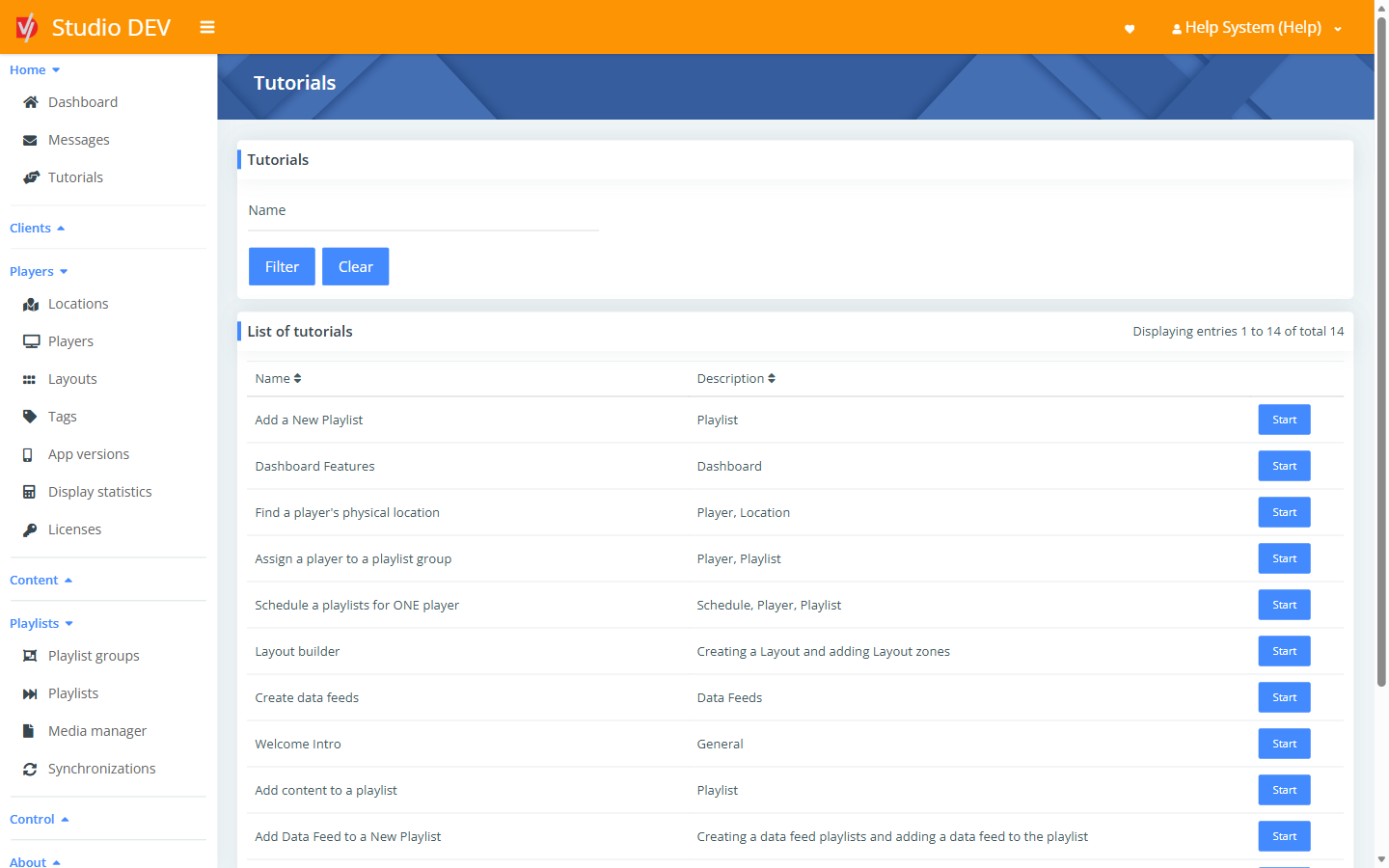
Available tutorials
Section titled “Available tutorials”| Tutorial | Topic | Related help |
|---|---|---|
| Welcome Intro | General | How Studio fits together |
| Dashboard Features | Dashboard | Dashboard |
| Add a New Playlist | Playlist | Playlists |
| Add content to a playlist | Playlist | Add content to a playlist |
| Find a player’s physical location | Player, Location | Locations |
| Assign a player to a playlist group | Player, Playlist | Players |
| Schedule a playlist for ONE player | Schedule, Player, Playlist | Player schedules |
| Layout builder | Creating a layout and adding layout zones | Layout builder |
| Create data feeds | Data feeds | Data feeds |
| Add Data Feed to a New Playlist | Creating a data feed playlist and adding a data feed to it | Data feeds |
| Schedule a playlist to a Layout zone | Scheduling a playlist to a layout zone | Zone schedules |
| Schedule playlist to playlist group | Scheduling on a playlist group | Playlist groups |
| Assign a Layout | Assigning a layout to a playlist group | Fallback layout |
| How to Enable Display Statistics | Proof of play | Display statistics |
Use the Name filter to find a tutorial by name.