
Support
Where: About → Support (/support)
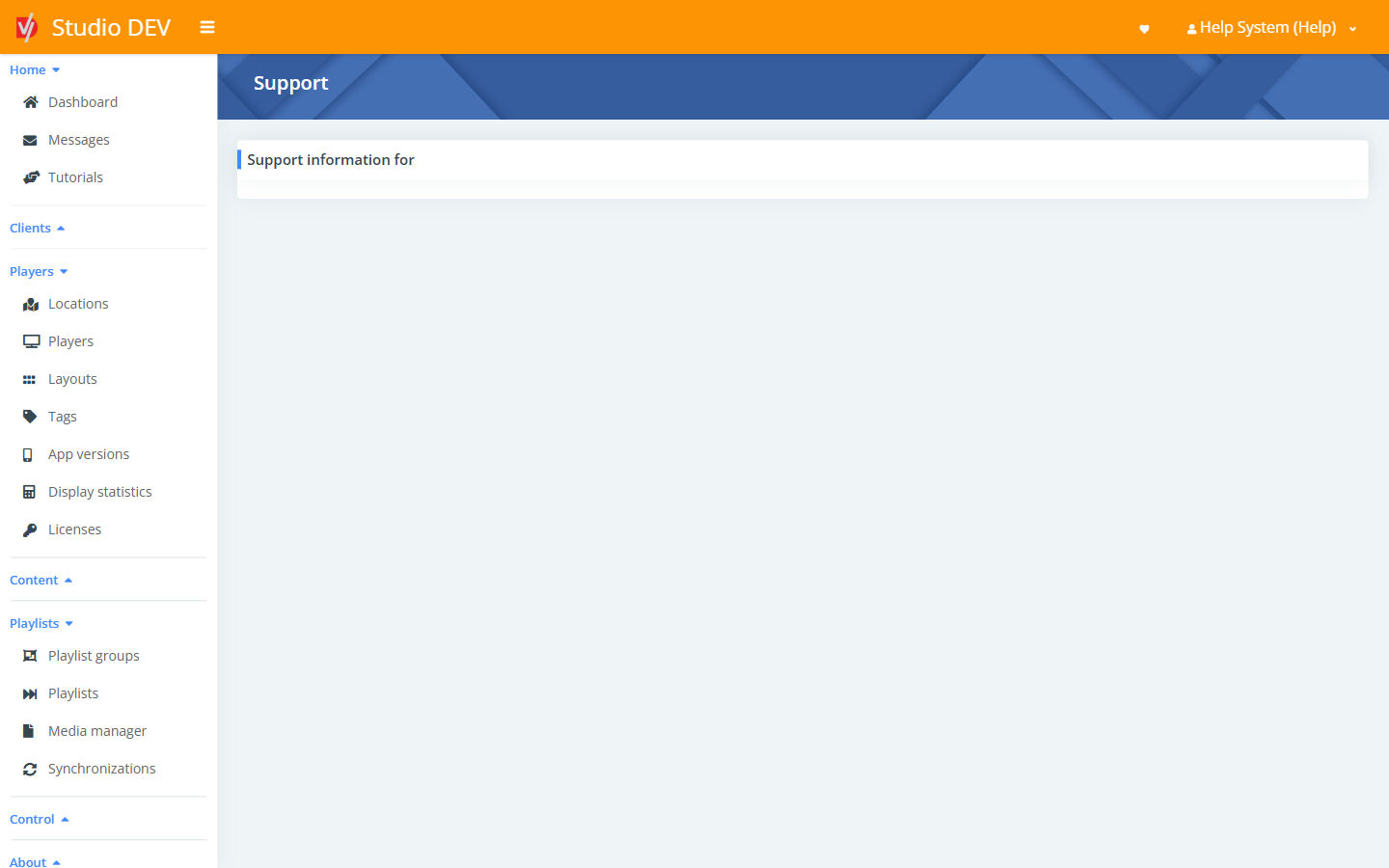
The Support page shows the support contact information for your organization.
Ways to get help
Section titled “Ways to get help”| Option | How |
|---|---|
| support@digitalvi.app | |
| In-app feedback | Click your name (top-right) → Provide feedback to send a message or bug report to the DigitalVI team. |
| Tutorials | Home → Tutorials for guided walk-throughs inside Studio. |
| This help site | Search with the box at the top of any page. |
When reporting a player problem
Section titled “When reporting a player problem”Include this information so we can help faster:
- The player name, and a link to its page in Studio.
- What you expected to see and what is actually on screen. A screenshot helps: on the player page, click the camera icon.
- The player’s logs: open the player and choose Admin → Download logs. This collects the logs, a screenshot and the configuration as a ZIP file. See Player details.